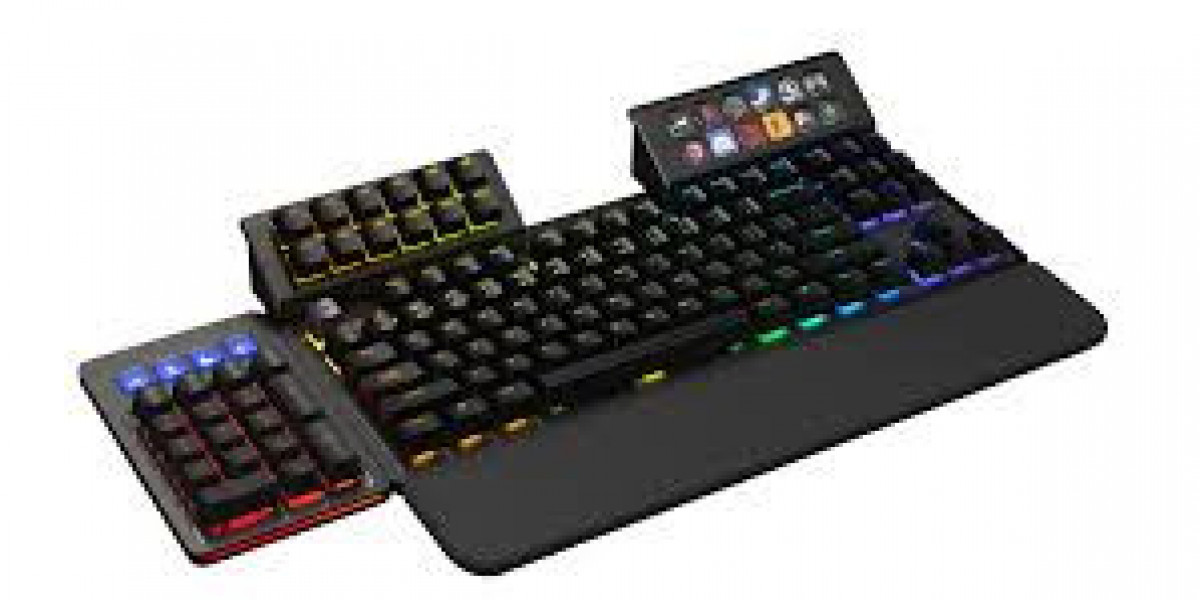

In modern digital workflows, efficiency is everything. Whether you’re a programmer, designer, video editor, or gamer, saving time on repetitive tasks can significantly improve output. One tool that has quietly become a favorite among productivity enthusiasts is the macropad.
A macropad is a compact input device that consists of programmable keys designed to execute custom commands, shortcuts, or macros. Macropad Unlike a full keyboard, it focuses only on a small set of highly customizable buttons, often ranging from 4 to 20 keys. Despite its simplicity, its impact on workflow efficiency can be surprisingly powerful.
What Makes a Macropad Useful?
The core strength of a macropad lies in automation. Instead of performing multi-step actions manually, users can assign them to a single keypress. For example, a graphic designer might assign “copy layer style,” “undo last action,” or “export file” to individual keys. A programmer might bind commands like “build project,” “format code,” or “insert boilerplate snippet.”
This reduces cognitive load and minimizes repetitive strain, especially in tasks that require constant repetition. Over time, these small optimizations compound into noticeable productivity gains.
Common Use Cases Across Professions
Macropads are versatile and adapt to many workflows:
- Content creators use them for editing shortcuts in software like Adobe Premiere Pro or Photoshop.
- Programmers assign code snippets, debugging commands, or terminal actions.
- Gamers map complex in-game actions or communication commands.
- Office workers automate spreadsheet functions, email templates, and system navigation.
For streamers, devices like the Elgato Stream Deck have popularized the idea of visual macro keys with customizable icons, making control even more intuitive.
Benefits Beyond Speed
While speed is the most obvious advantage, macropads offer additional benefits:
- Ergonomics: Reducing repetitive keyboard shortcuts can lower hand strain.
- Focus: Fewer interruptions in workflow help maintain concentration.
- Customization: Users can tailor the device precisely to their needs.
- Layered control: Many macropads support multiple “layers,” turning a few keys into dozens of functions.
This flexibility makes them especially appealing for power users who want to fine-tune their setup.
Hardware Variations
Macropads come in different forms. Some are DIY kits built around microcontrollers like Arduino or QMK-based firmware, allowing deep customization. Others are commercial plug-and-play devices with software support for drag-and-drop configuration.
High-end models may include rotary knobs, OLED displays, or RGB lighting, while budget versions focus purely on essential macro functionality.
Why Macropads Are Growing in Popularity
As digital work becomes more complex, users increasingly look for ways to streamline repetitive actions. Macropads fit perfectly into this trend by acting as a personal shortcut engine.
They also appeal to enthusiasts who enjoy customizing their workspace. Much like mechanical keyboards, macropads have become part tool, part hobby.
Conclusion
Macropads may be small, but their impact on productivity is significant. By turning complex sequences into single keystrokes, they help users work faster, more comfortably, and with greater control over their digital environment. Whether you're editing videos, coding software, or managing daily office tasks, a macropad can quietly transform how you work—one key at a time.